
Searching for a Warrant in Roosevelt County
The fastest public route is New Mexico Courts Case Lookup. Pick the likely location, then search by name or case number. Match the case number, case type, court, charge information, and events against any notice in hand. In Roosevelt County, treat a warrant flag as a reason to call the issuing court, never as a complete answer.
- Gather the case or citation number, court named on the notice, and date of the required appearance.
- Choose District, Magistrate, Portales Municipal, Elida Municipal, or another location that fits the notice.
- Search your own legal name or the known case number.
- Read the case event history and any warrant indicator without copying protected identifiers.
- Call the court and ask what process confirms status and handles the next lawful step.
Roosevelt County Search Fields Explained
Case Lookup offers a location selector plus a name or case-number search. Location narrows the most. Roosevelt County District Court, Magistrate Court, and municipal matters sit on separate dockets, so one name can return several cases. A citation number is sharper.
| Field or control | Use | Local note |
|---|---|---|
| Select a location | Dropdown | Choose the court or location likely to hold the case. |
| Name | Public text search | Use your own information; common names need another check. |
| Case number | Precise text search | Use the number printed on the citation or notice. |
| Result link | Case detail | Review court, type, filing, events, and possible warrant flag. |
| Payment control | Financial action | Payment may address money only, not every court condition. |
What a Roosevelt County Warrant Search Shows
A public result is just a case pointer. Roosevelt County dockets show what the court access policy permits: public or redacted information, never sealed or confidential material. The re:SearchNM field map holds more internal concepts.
| Case identity | Case number, style, type, filing date, location, judicial officer, and case status where public. |
|---|---|
| Charge | Charge date or sequence, description, statute, level, and disposition when accessible. |
| Warrant indicator | A flag or event that requires confirmation with the issuing court. |
| Events | Hearings, documents, register events, and related case links that help identify the right matter. |
| Financial entry | A payment or balance field that does not by itself prove a warrant was removed. |
Why a Roosevelt County Search May Return Nothing
An empty result is not clearance. Wrong court or wrong spelling. The record may predate the public interface, or the case may be sealed, confidential, juvenile, redacted, or outside the court database. Municipal historic data has limits too. A Roosevelt County agency record, such as a service attempt, is not the same as a public docket. Try again with the likely location and case number. Then turn to the current Ninth Judicial District contact page or the official municipal-court directory. Ask the clerk one thing at a time. Is the case in the correct division? Does the warrant event need separate status confirmation? Never defeat the court's privacy design by merging data from unrelated websites. If the clerk needs more, request the correct secure identity-verification method.
Where Roosevelt County Warrants Are Checked
District Court sits at 109 W. First Street and covers general-jurisdiction criminal matters. Magistrate Court, at 1630 N. Boston Avenue, handles misdemeanors, DWI/DUI, traffic, and felony preliminary hearings. Portales Municipal Court sits at 520 W. Second Street. Elida Municipal Court is at 704 Clark Street. The Sheriff's Office is at 1700 N. Boston. It fields Roosevelt County law-enforcement routing and service questions.
District Court
575-359-6920
Felony and district criminal docket questions
Magistrate Court
575-356-8569
Traffic, DWI/DUI, misdemeanor, and preliminary matters
Sheriff's Office
575-356-4408
County service and records routing
Roosevelt County Most Wanted Is Not a Personal Search
The Sheriff's Most Wanted page is a curated Roosevelt County felony alert program. It offers no name or case-number search. It posts no court filter, count, or update schedule. Tips go to the Sheriff's Office, Portales Police, or Crime Stoppers, and the page warns against attempting an apprehension. Absence proves nothing. The official page is Roosevelt County Most Wanted.
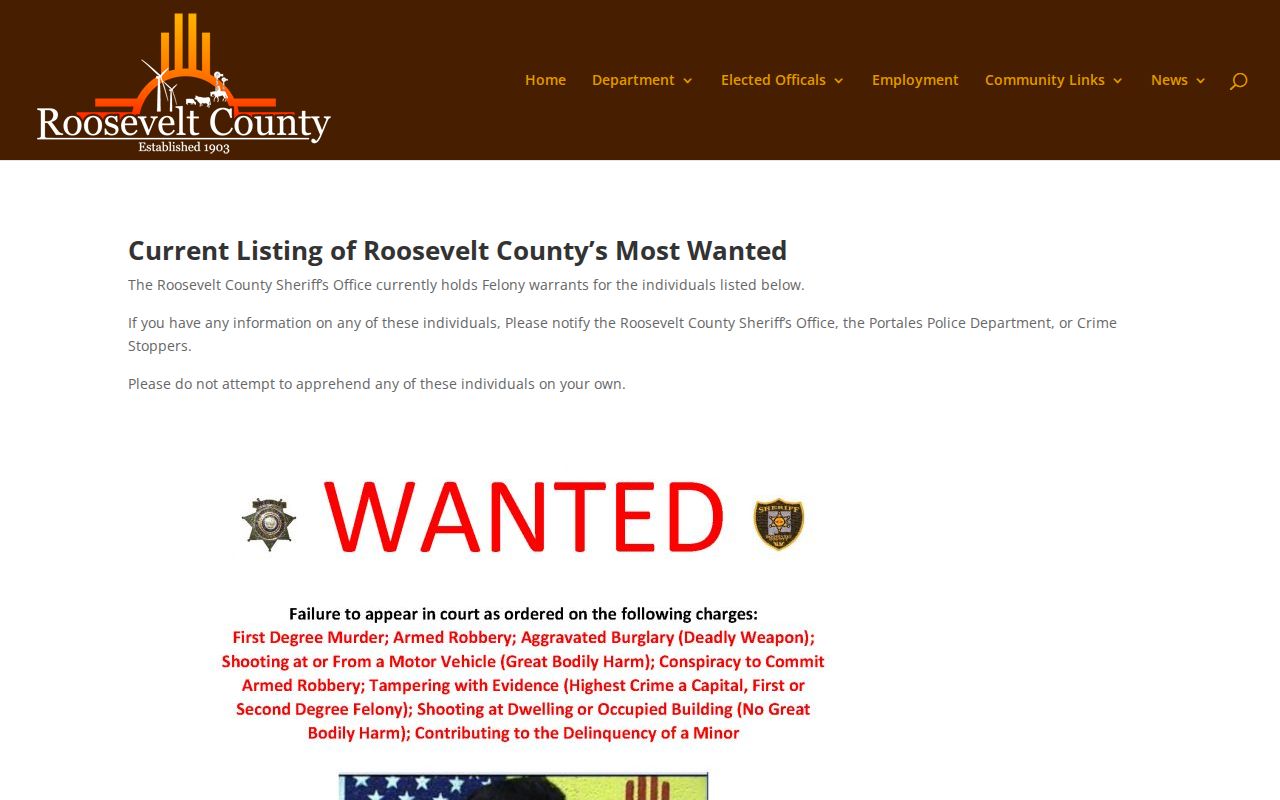
The official page itself only describes the program. It offers no personal warrant status check for Roosevelt County.
Checking a Roosevelt County Traffic or Municipal Matter
New Mexico MVD does not issue warrants. It gives no warrant information. A missed traffic appearance can create a bench-warrant event through the issuing court, and a later license transaction may need court clearance. Start with Case Lookup. Then call Portales or Elida Municipal Court, or Magistrate Court when the citation belongs there. For Dora, Floyd, or Causey, the official directory lists no current municipal-court entry. Use Case Lookup and the Roosevelt County court route rather than a third-party portal. Ask the clerk whether payment, appearance, surrender, reset, or cancellation applies.
Restricted Roosevelt County Warrant Records
New Mexico court access policy excludes or redacts protected material. Sealed records stay sealed. Juvenile cases, confidential matters, personal identifiers, and some older or limited municipal data may not appear in Roosevelt County results. A missing public result can reflect access rules, not the absence of a court event.
Search limits: Use Case Lookup for a public pointer, call the issuing court for confirmation, and do not treat a partial or empty result as a complete warrant answer.
New Mexico IPRA can support a focused request for non-exempt agency records, but it is not a license to request or publish a private-person roster.
Law-enforcement systems such as NCIC or NMCIC are not public search portals.
Confirming a Roosevelt County Search Result
Use a short, neutral question. Try this: “I am trying to confirm whether the case associated with my name or case number has a current warrant or another court obligation. What is the correct process for confirming status and arranging the next step?” Give the court and case number first. Ask whether an attorney, scheduled appearance, surrender, bond review, authorized payment, or motion is required. Write down the office, date, answer, and any docket or receipt. That is the record of your Roosevelt County contact. Courts can update a record after an action. System changes may not appear at once. If a caller demanded immediate payment, end the call and independently find the Roosevelt County court's official number. New Mexico Courts also warns against payment demands through a bonding company for alleged jury-service warrants.
Public Access Rules for a Roosevelt County Warrant Check
IPRA, NMSA §§14-2-1 through 14-2-12, supports inspection of public records subject to exceptions. Aim the request carefully. A Roosevelt County request should name the record with reasonable particularity and can ask for segregable non-exempt portions. A warrant cancellation or docket event belongs with the issuing court. A sheriff service log belongs with the Sheriff's Office.
Use official court and county pages for phone numbers. Do not submit DOB, driver's-license, or Social Security information to an unverified search form.